 Untitled Diary
The in-app microphone
Tap the microphone in the Entries bottom bar to create a voice entry.
From a passing thought to a journal entry, at your own pace.
A moment from a trip. A thought before sleep. Record it while it is fresh, edit the words later, and search the transcript when you want to return.
Your original recording and editable text live in the same entry. Transcription depends on your device, system, language and permissions. If on-device recognition is unavailable, keep the audio and type your own text. The app does not switch to cloud recognition.
Tap the microphone in the Entries bottom bar to create a voice entry.
Open the app once. Edit Control Center, choose Add a Control, then find and add Untitled Diary’s voice entry control.
Touch and hold the Lock Screen, choose Customize, then replace a bottom control with Untitled Diary’s voice entry control.
In Shortcuts, add Untitled Diary’s “Start Voice Entry” action. Give the shortcut a memorable name, then run it with Siri.
Control Center and Lock Screen controls require iPhone with iOS 18 or later. System actions open the app to record; unlock your device when required and grant permissions on first use. Siri does not keep listening in the background. Finish an existing edit or recording before starting another.
Keep text, photos, Live Photos, voice recordings and longer writing together. Find past entries by their words or transcripts.
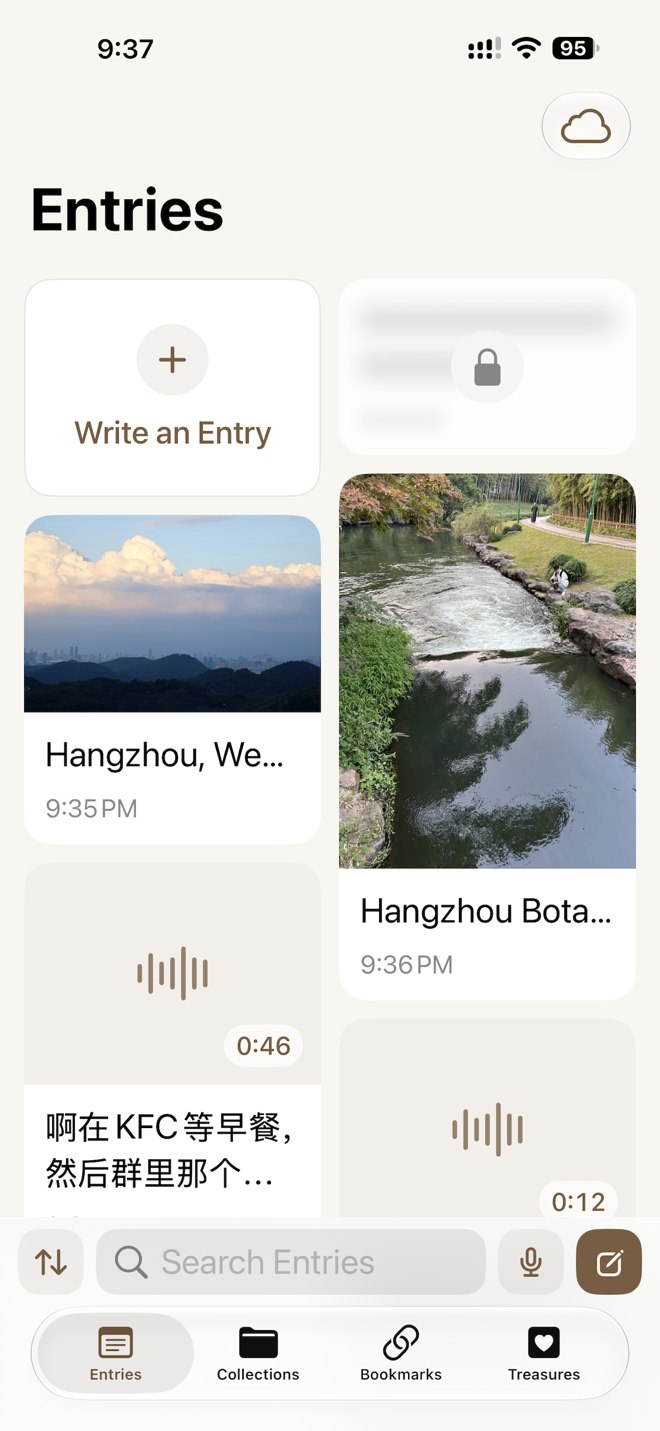
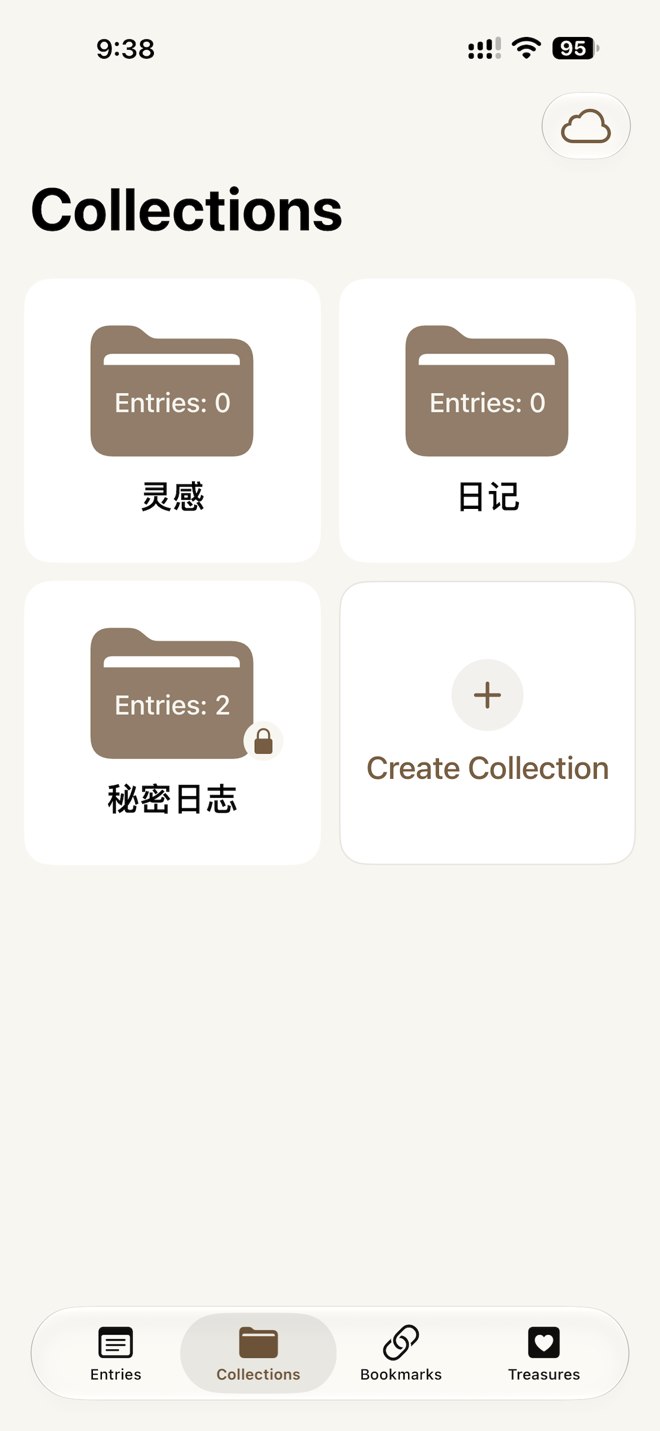
Organize entries your way, or leave them unfiled. Protect private collections with system authentication.
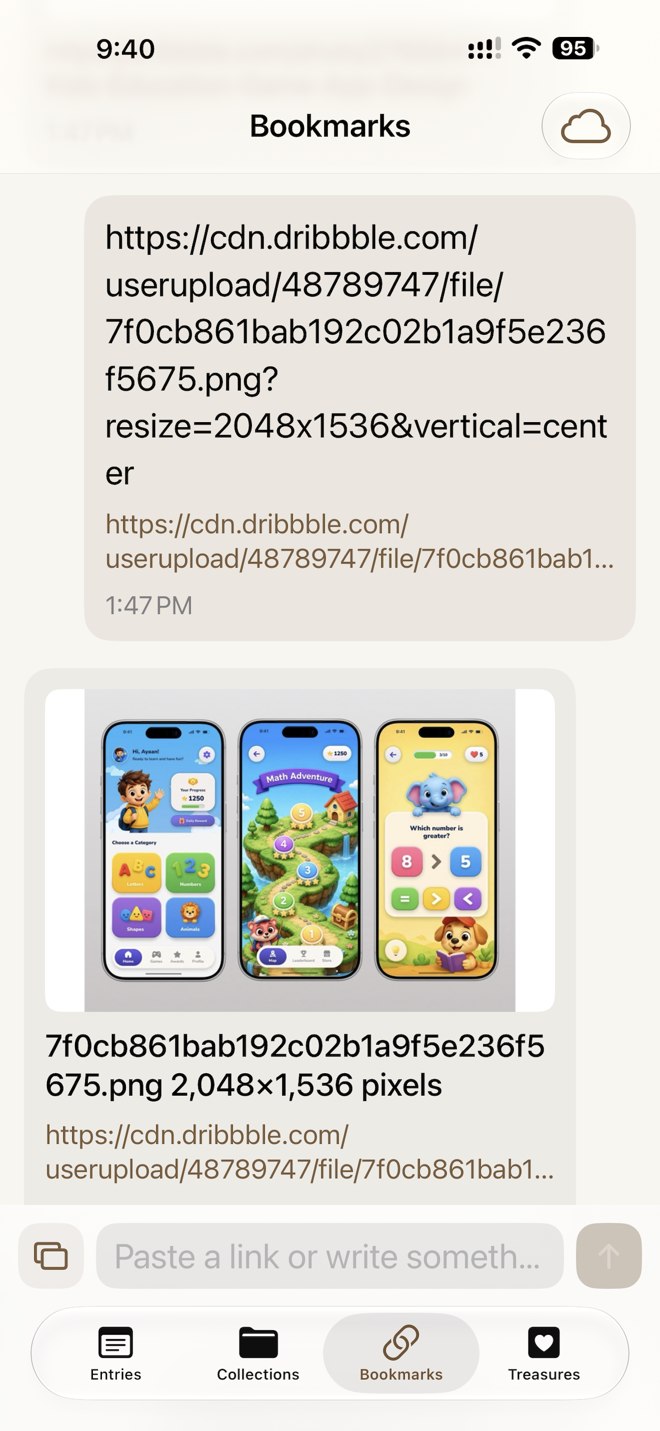
Paste the original text and URLs. The app attempts a local preview of the first website; your text and links remain if it fails.
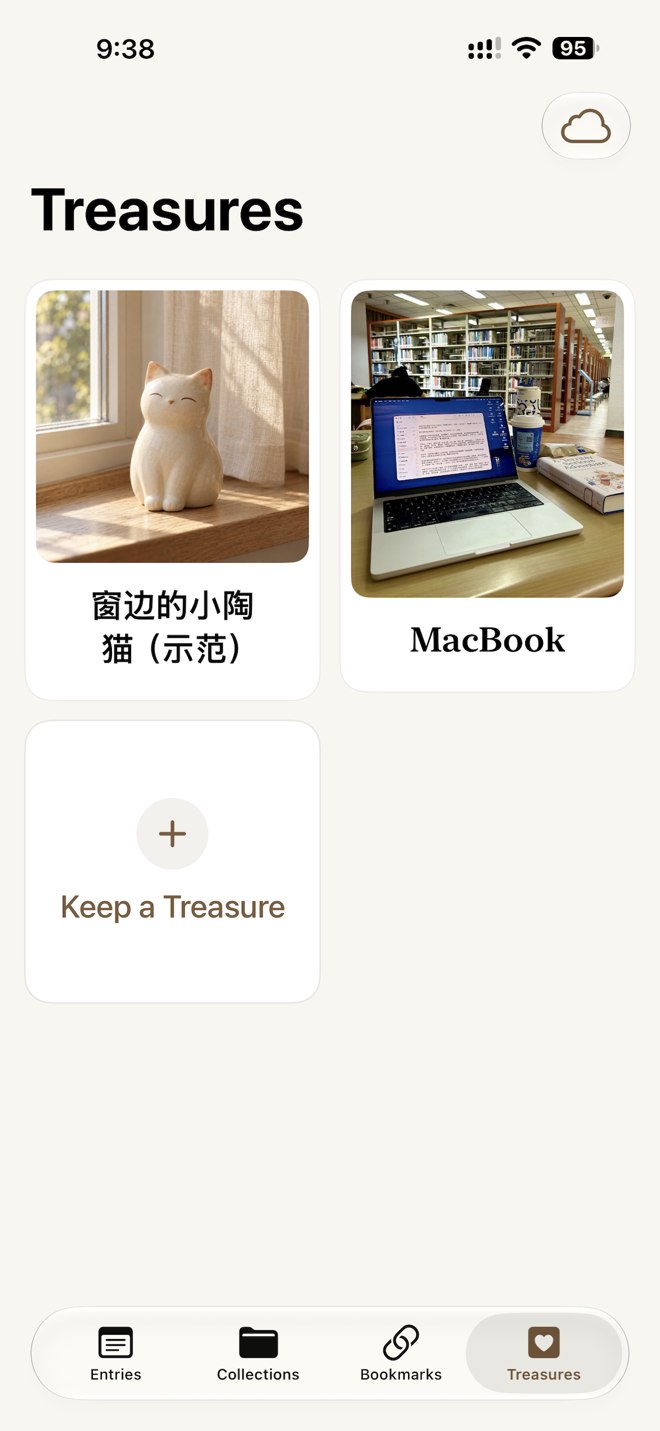
Save a cover, photo gallery and little text notes for objects that matter. Each keepsake can have its own privacy lock.
Capture a moment on iPhone, then use a separate writing window on Mac with adjustable reading and writing sizes. Content is saved locally and syncs through your own Apple iCloud private database. No app account required.
Use the corresponding Apple Account and enable iCloud access on your devices. Create, edit and read locally available content offline. Undownloaded attachments and sync need a network. Timing depends on the system, network and available iCloud storage.
iOS 18.0+ macOS 15.0+ English · Simplified Chinese